

Create editable book interiors and covers, then prepare separate files for KDP publishing.

Tripo Studio
AI 3D model generator
Create 3D models from text or images in a web workspace.
- Pricing
- free
- Listed
- Nov 21, 2026
- Updated
- Nov 21, 2026
What does Tripo Studio do?
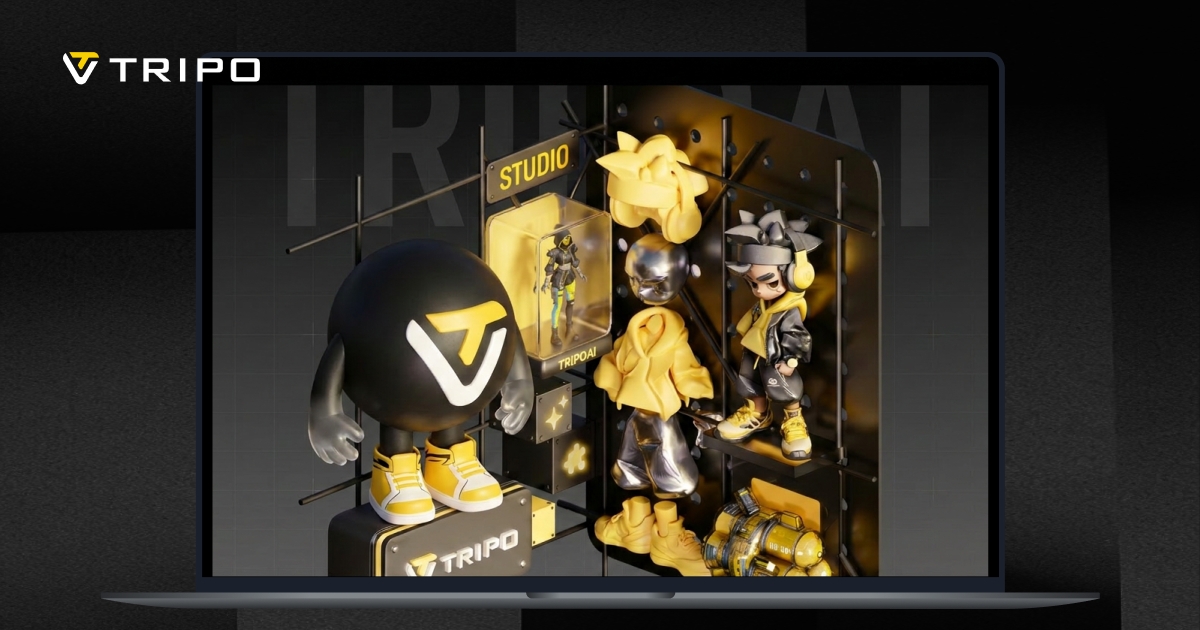
Tripo Studio is a web-based tool for creating 3D models from text or images. Its site describes AI model generation, segmentation, texturing, rigging, and retopology. The workspace also presents image-based generation, a canvas for creating and editing, and a gallery of models.
Key features
- Generate 3D models from text or images.
- Drag, click, or paste an image to start image-based generation.
- Create in a canvas workspace.
- Use tools described for segmentation, texturing, rigging, and retopology.
- Browse a gallery of 3D models.
Who is it for?
- Creators generating 3D models from images or text
- Artists exploring AI-assisted 3D creation
Use cases
Turn an image into a 3D model
Add an image to the workspace to begin image-based 3D generation.
Create a model from text
Use a text description as input for AI 3D model generation, as described by the site.
How to use
Open Tripo Studio
Visit the web workspace at studio.tripo3d.ai.
Provide an image
Click, drag, or paste an image into the image-generation area.
Generate or create in the canvas
Use the generation control or open the canvas workspace to create a 3D model.
Pricing & availability
The site describes 3D model creation as free and includes a View Plans link. It does not provide plan prices or quotas in the supplied page.
Frequently asked questions
What can Tripo Studio use to generate a 3D model?
The site says Tripo Studio can create 3D models from text or images.
Does Tripo Studio run in a web browser?
Yes. The site's software information identifies Web as its operating system.
Sources & review
Related tools

Turn one product photo into a coordinated six-frame, 2K product photography slate.

Remove image backgrounds automatically and edit the results online.