Free low-resolution use
$0.00 usage-based
Low-resolution images up to 0.25 megapixels for personal use
The pricing page describes free low-resolution use and unlimited free previews.


AI background remover
Remove image backgrounds automatically and edit the results online.
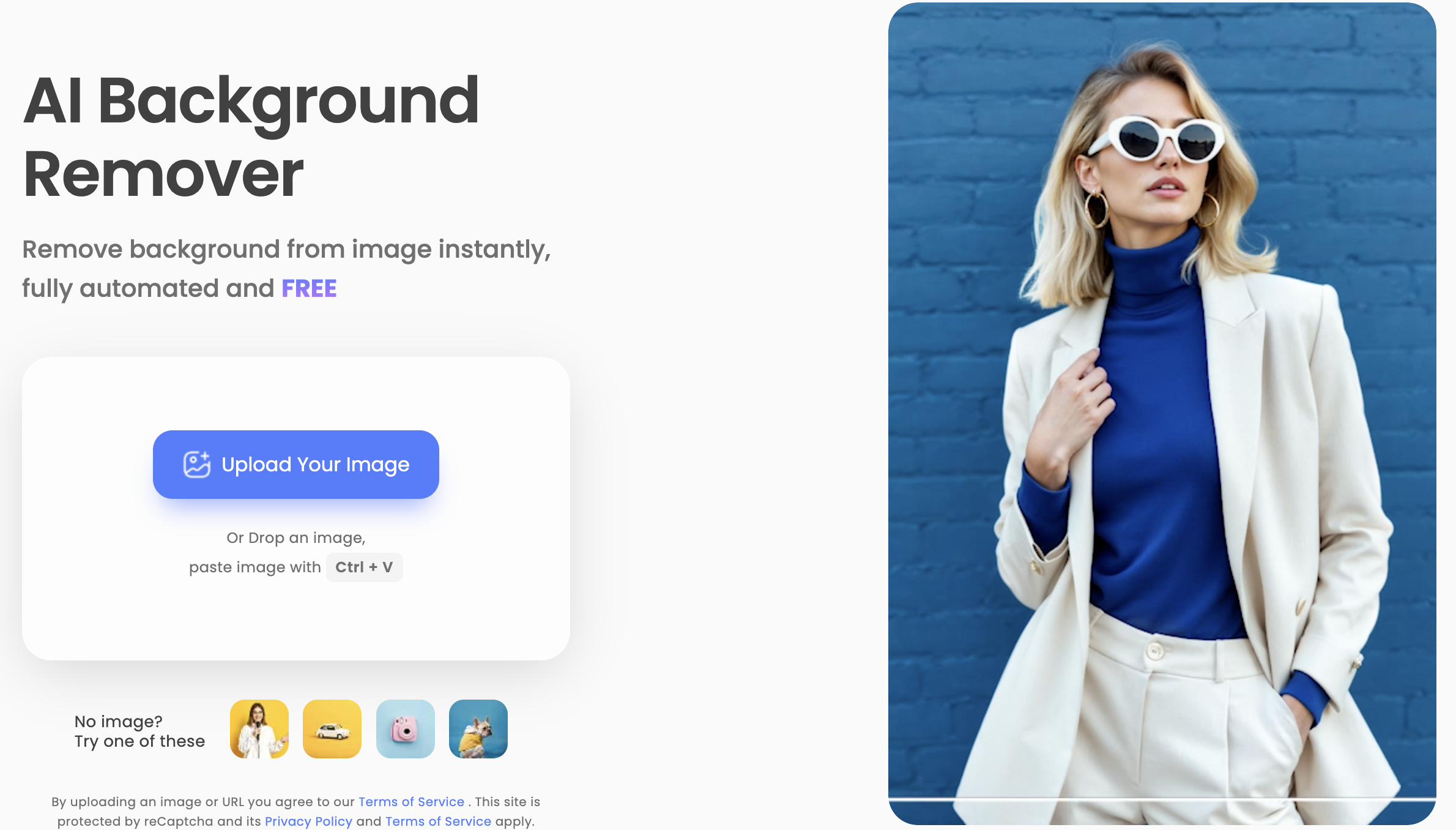
Removal.AI is an AI-powered background remover for photos of people, products, animals, cars, and other subjects. Upload an image to create a cutout, then download a preview or use the online editor to change the background, add text and effects, or refine the foreground with erase and restore tools. The service also offers bulk processing, an API, and desktop apps. Low-resolution downloads are free for personal use; high-resolution downloads use credits.
Remove backgrounds from product images and replace them with clean or customized backgrounds.
Make a cutout, then use the online editor to change its background and add text or effects.
Use the Removal.AI API to add background removal to an existing workflow.
Select an image, drag and drop it, or paste it into the web tool.
Inspect the automatically removed background and use the editor's erase and restore tools if needed.
Download a preview, or use a credit for a high-resolution cutout.
Low-resolution images of up to 0.25 megapixels are free for personal use. High-resolution downloads require credits. The listed options include one-time credit packs, monthly subscriptions, and custom high-volume arrangements. One-time credits can be used within three years; unused monthly credits can roll over while the subscription remains active, up to five times the monthly credit budget. The pricing page says signing up provides one free credit for a high-resolution download.
$0.00 usage-based
Low-resolution images up to 0.25 megapixels for personal use
The pricing page describes free low-resolution use and unlimited free previews.
$1.89 one-time
3 credits
Credits are available for use within three years.
$8.99 one-time
25 credits
Credits are available for use within three years.
$5.99 / month
100 credits per month
Unused credits can roll over while subscribed, subject to the stated rollover limit.
$25.99 / month
450 credits per month
Unused credits can roll over while subscribed, subject to the stated rollover limit.
Contact for pricing
Custom arrangements for 10,000 or more images per month
Contact Removal.AI for a quote.
Free low-resolution images are limited to 0.25 megapixels and personal use. The pricing page also describes unlimited free previews and one free credit for a high-resolution download upon signing up.
Low-resolution images of up to 0.25 megapixels are free for personal use. High-resolution downloads use credits.
Removal.AI says it supports JPG and PNG images up to 12 MB. Images larger than 36 megapixels are resized to that maximum resolution.
One credit enables one high-resolution cutout download. Credits can be used through the online tool, API, or Mac and Windows background remover apps.
Yes. Removal.AI says monthly subscriptions can be upgraded, downgraded, or canceled at any time.
Free face rating & Personal Face Report
Turn one product photo into a coordinated six-frame, 2K product photography slate.
Create images, videos, voiceovers, and music in one AI studio.