Free
$0.00 / month
Web only; maximum file size 10 MB; cloud storage for five files for one year.
Limited access to selected features.


AI PDF editor
Edit, convert, organize, and chat with PDFs using web, mobile, and desktop tools.
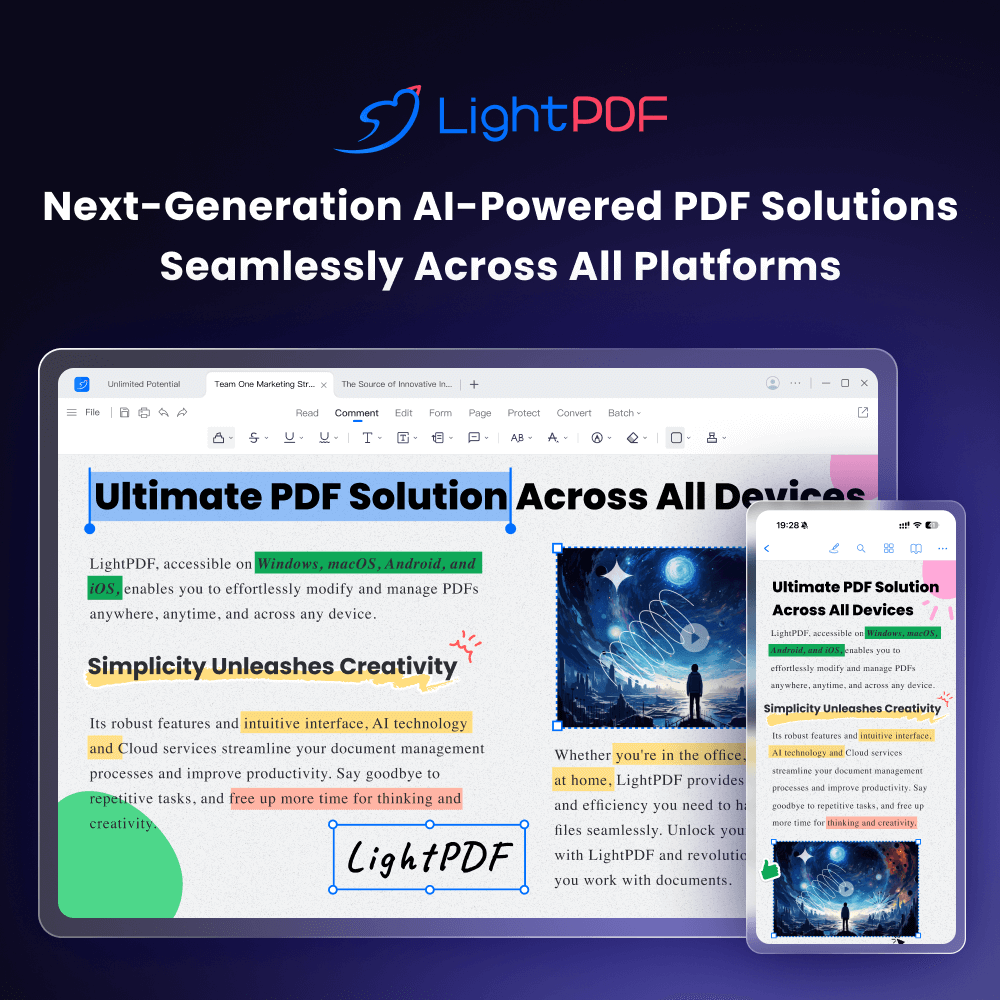
LightPDF is a PDF toolkit for viewing, editing, converting, annotating, signing, merging, and sharing documents. Its AI-powered tools include document chat, summarization, translation, PDF generation, data extraction, and processing for scanned documents and images. LightPDF is available on the web and as Windows, Mac, iOS, and Android apps. A limited free plan is available; paid plans add broader platform access and monthly or lifetime AI credit allowances.
Edit, convert, annotate, sign, merge, and share PDF documents.
Chat with a document, ask follow-up questions, or generate a summary or mind map.
Translate documents, images, or scanned PDFs while preserving the original layout.
Extract structured information from invoices, receipts, bank statements, and other documents.
Use LightPDF on the web or download its Windows, Mac, iOS, or Android app.
Choose a task such as editing, converting, signing, organizing, or chatting with a document.
Use the limited free plan or select a paid plan for broader platform access and an AI credit allowance.
The listed individual plans are Free at $0, Monthly at $5.99 per month, Yearly at $15.99 per year, and a limited-offer Lifetime plan at $39.99 one-time. The monthly and yearly plans list 1,000 AI credits per month; the lifetime plan lists 40,000 lifetime credits. Additional AI credits are available for purchase. Team and enterprise plans are available by custom quote.
$0.00 / month
Web only; maximum file size 10 MB; cloud storage for five files for one year.
Limited access to selected features.
$5.99 / month
1,000 AI credits per month.
Access across web, mobile, and desktop. Unused monthly AI credits expire.
$15.99 / year
Monthly equivalent: $1.33/ month. Billed once per year.
1,000 AI credits per month.
Access across web, mobile, and desktop. Includes a three-day trial before billing; unused monthly AI credits expire.
$39.99 one-time
40,000 AI credits, valid until used.
Listed as a limited offer, with access across web, mobile, and desktop.
Contact for pricing
Custom plans are available by contacting the sales team.
The pricing comparison lists web-only access, a 10 MB maximum file size, and cloud storage for five files for one year on the free plan. The free version provides limited access to selected features.
The yearly plan includes a three-day trial with access to Premium features before you are charged.
Yes. LightPDF lists a free plan with limited access to selected features. Its pricing comparison lists web-only access, a 10 MB maximum file size, and cloud storage for five files for one year.
The yearly plan includes a three-day trial with access to Premium features before you are charged.
AI-powered features use credits, with costs varying by feature. The monthly and yearly plans each list 1,000 credits per month, with unused monthly credits expiring. The lifetime plan lists 40,000 credits valid until used.
A Premium account works across Windows, Mac, Android, iOS, and the web. Premium features can be used on one device at a time.
LightPDF says you can submit a ticket through its Contact Us page or manage the subscription using the email sent by the payment platform after purchase.
AI CMO that finds growth opportunities and does the work for software founders and small teams.
AI chat, images, video, audio, and 3D creation in one workspace
Open, lightly edit, and convert 150+ file formats locally on Mac and Windows.
Turn meeting conversations into documents, presentations, and spreadsheets.