Free
$0.00 / month
10 credits and 4 songs per month
Lists basic AI music generation, lyrics generation, music editing and song cover tools. The pricing page also lists music downloads.


AI song maker
Create songs from a description or your own lyrics with AI.
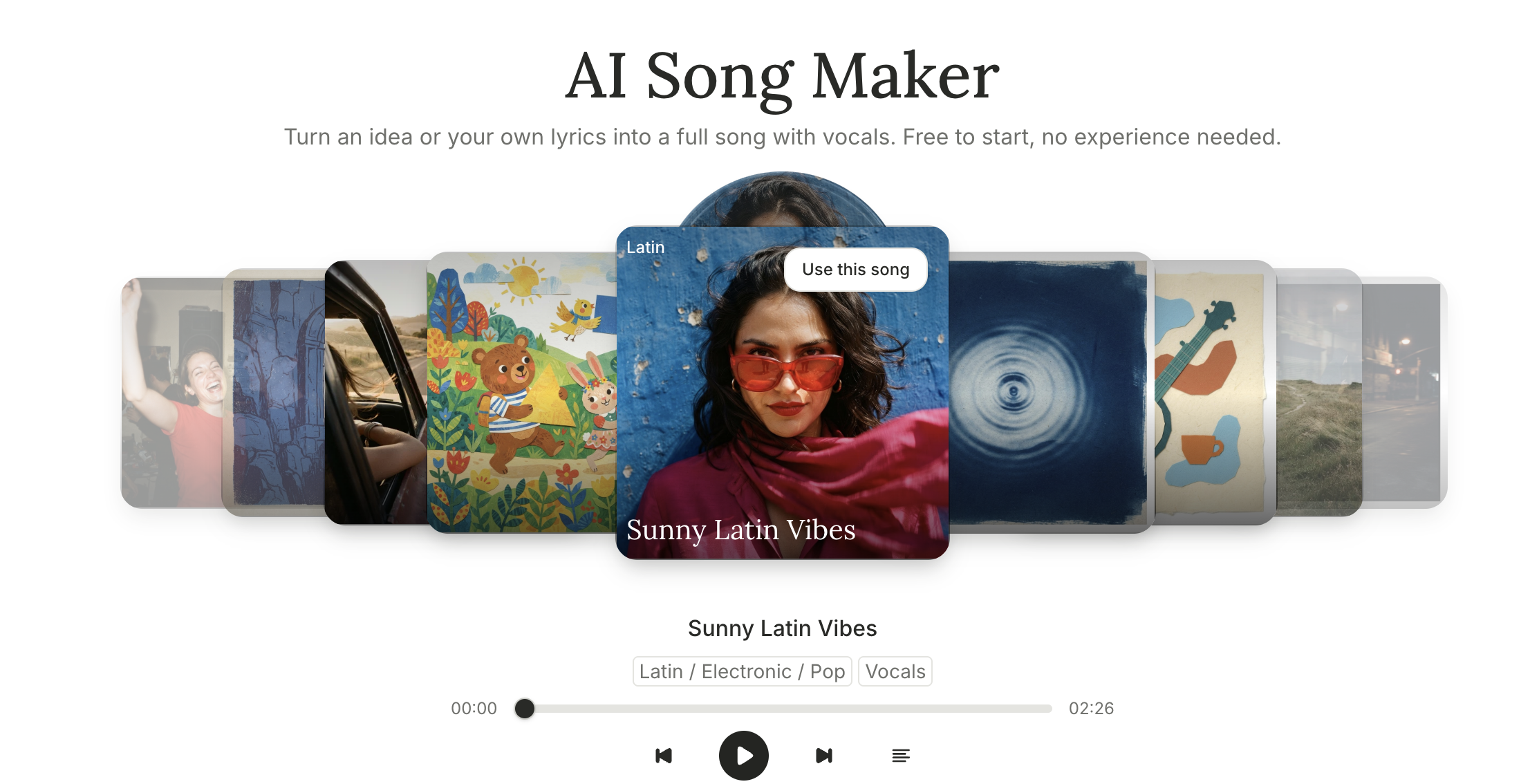
SongMaker is an online AI music studio for generating songs with vocals or instrumental tracks. Describe a mood, genre or story, or start from a sample song’s style. You can provide your own lyrics or use its AI lyrics generator, then choose among Suno, Mureka, ElevenLabs, Lyria and MiniMax to generate and compare results. After creating a song, SongMaker offers tools to extend or remix it, replace a section, mash up songs and split audio into stems.
Describe a genre, mood and story, then generate and compare song takes.
Paste lyrics in Custom mode or draft them with the AI lyrics generator before creating a song.
Extend a song, remix it in another genre or replace a section.
Use the stem splitter to extract parts such as vocals, drums and bass.
Enter a mood, genre and story, or select a sample and use its style. Choose Instrumental if you do not want vocals.
Paste your own lyrics or generate a draft, then select one of the available AI music models.
Play the generated takes and download the one you prefer. You can then extend or remix it.
The pricing page lists a Free plan and paid Starter, Plus, Pro and Max plans. It displays monthly prices of $12.99, $25.99, $49.99 and $129.99 respectively, alongside discounted yearly billing options. The site states that paid plans include a commercial license; consult the plan terms for details.
$0.00 / month
10 credits and 4 songs per month
Lists basic AI music generation, lyrics generation, music editing and song cover tools. The pricing page also lists music downloads.
$12.99 / month
The pricing page lists AI music, lyrics, editing and song cover tools, a commercial license and unlimited downloads. A yearly option is also displayed.
$25.99 / month
The pricing page lists AI music, lyrics, editing and song cover tools, a commercial license and unlimited downloads. A yearly option is also displayed.
$49.99 / month
The pricing page lists AI music, lyrics, editing and song cover tools, a commercial license and unlimited downloads. A yearly option is also displayed.
$129.99 / month
The pricing page lists AI music, lyrics, editing and song cover tools, a commercial license and unlimited downloads. A yearly option is also displayed.
The listed Free plan provides 10 credits and up to 4 songs per month. New accounts receive free credits to start.
Yes. Paste your lyrics in Custom mode, or use the AI lyrics generator to draft them.
Yes. Turn on the Instrumental option when describing your song.
Yes. The listed Free plan includes 10 credits and up to 4 songs per month.
SongMaker states that songs made on paid plans come with a commercial license. Check the applicable plan for details.
Turn two photos into a personalized AI rap duo video.
Create images, videos, voiceovers, and music in one AI studio.
Turn a song and character photo into a beat-synced music video.